
Paquets Linux
DEB, RPM, AppImage, tar.xz et Flathub.
Un launcher open source soigné pour les bureaux Linux et Steam Deck. Choisissez votre paquet et lancez chaque monde en un clic.
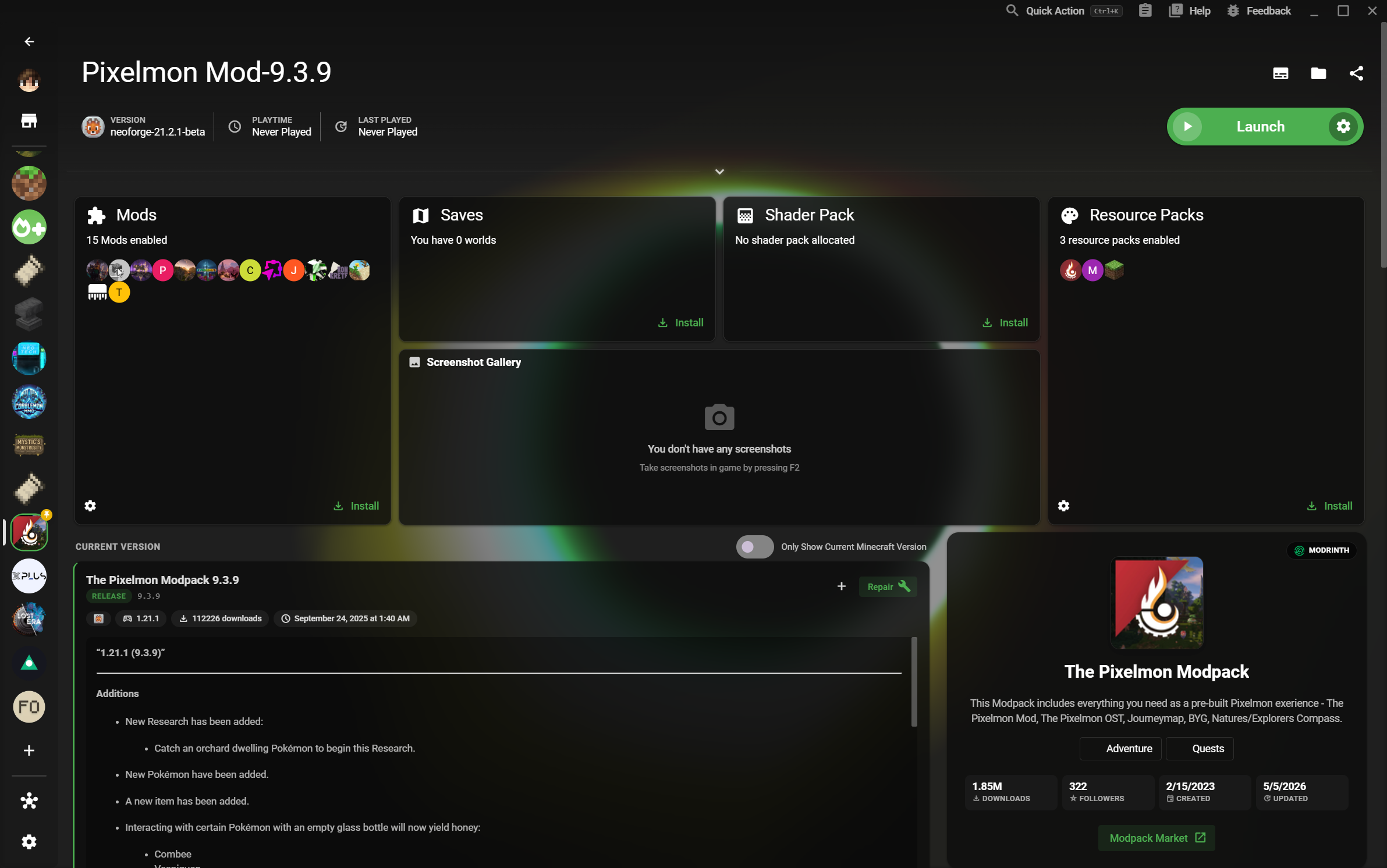
DEB, RPM, AppImage, tar.xz et Flathub.
Une bibliothèque claire sur les grands écrans.
Versions, loaders et sauvegardes restent isolés.
XMCL réunit des installations prévisibles, une interface claire et des environnements de jeu indépendants pour les joueurs Linux.
Téléchargez un paquet natif pour votre bureau ou passez par Flathub pour une option portable et adaptée au Steam Deck. XMCL propose également des builds ARM64 pour le matériel compatible.
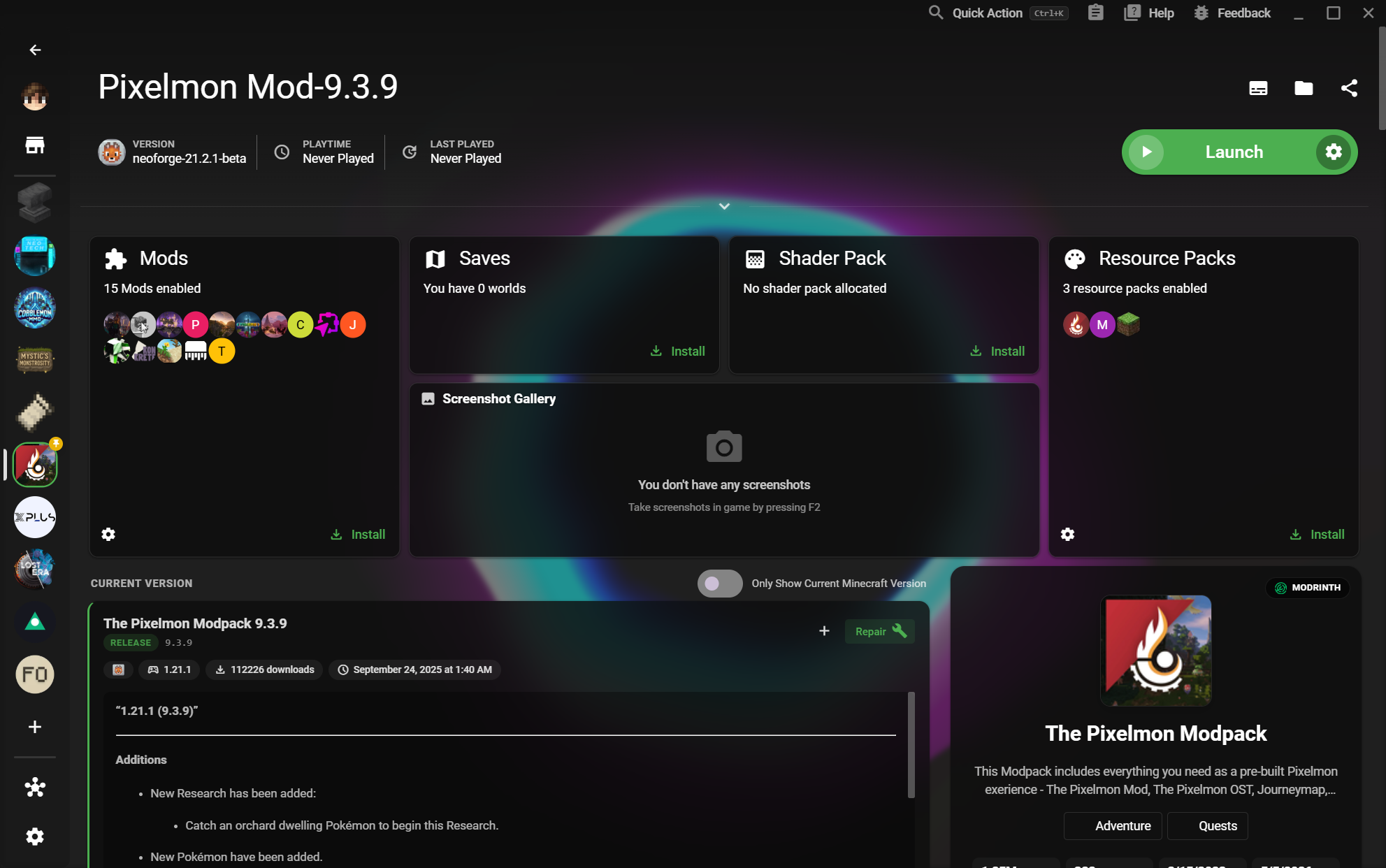
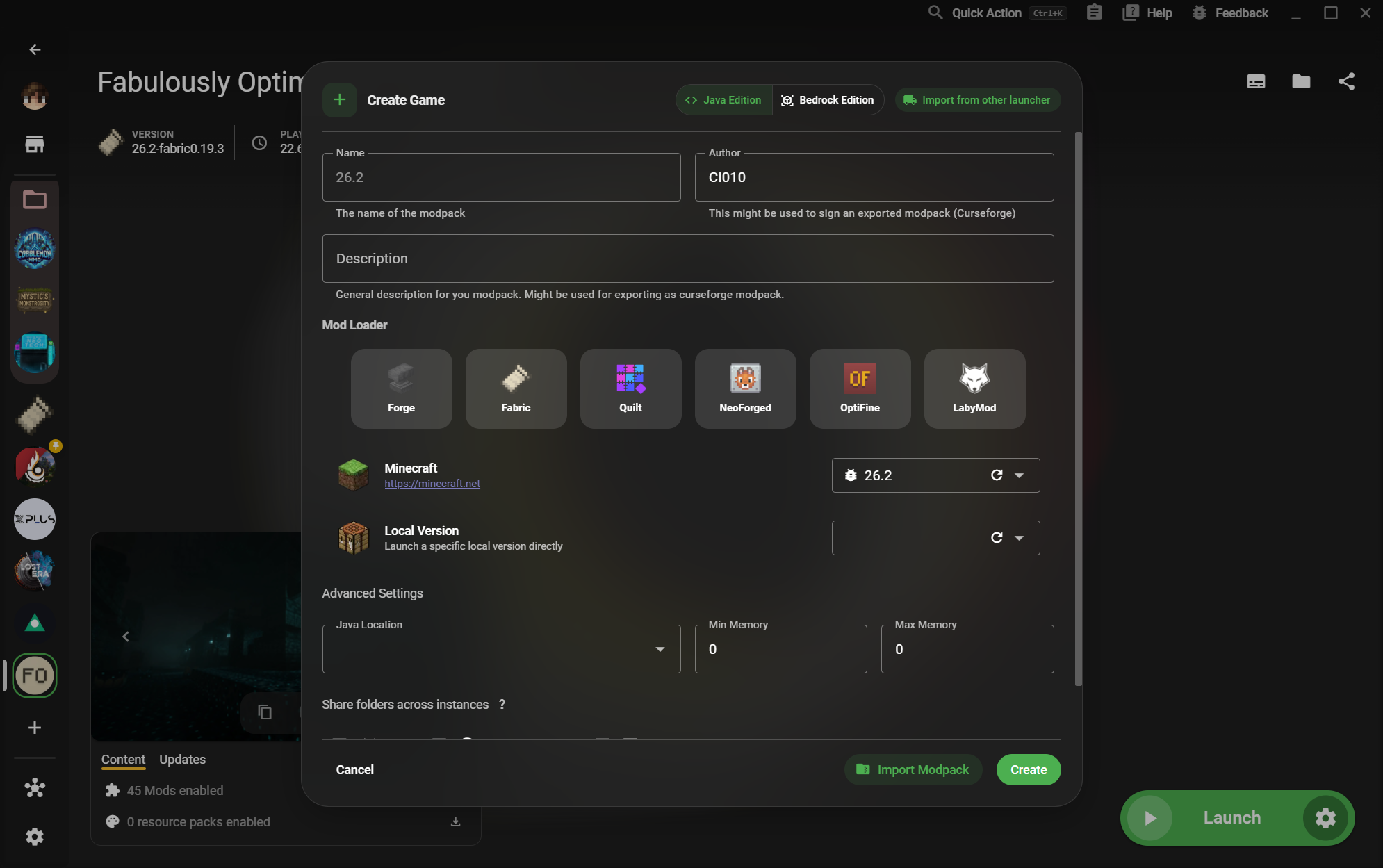
Séparez les configurations vanilla, moddées, de test et de serveur sans manipuler les dossiers à la main. Vos versions, loaders, mods, sauvegardes et paramètres restent groupés.
Passez d'un bureau Linux à une session sur Steam Deck sans renoncer à une bibliothèque claire ou à une configuration fiable. XMCL laisse votre collection s'agrandir sans se transformer en feuille de calcul.
Choisissez le paquet adapté ou utilisez Flathub sur Steam Deck.
Voir toutes les versions et builds