Skip to content
XMCL / LINUX EDITION

Linux でネイティブのように使える Minecraft ランチャー。

Linux デスクトップと Steam Deck のための洗練されたオープンソースランチャー。環境に合うパッケージを選び、すべてのワールドをすぐに起動できます。
Linux ネイティブビルド、ARM64、Flathub に対応
01 / 02
XMCL · Linux ワークスペース
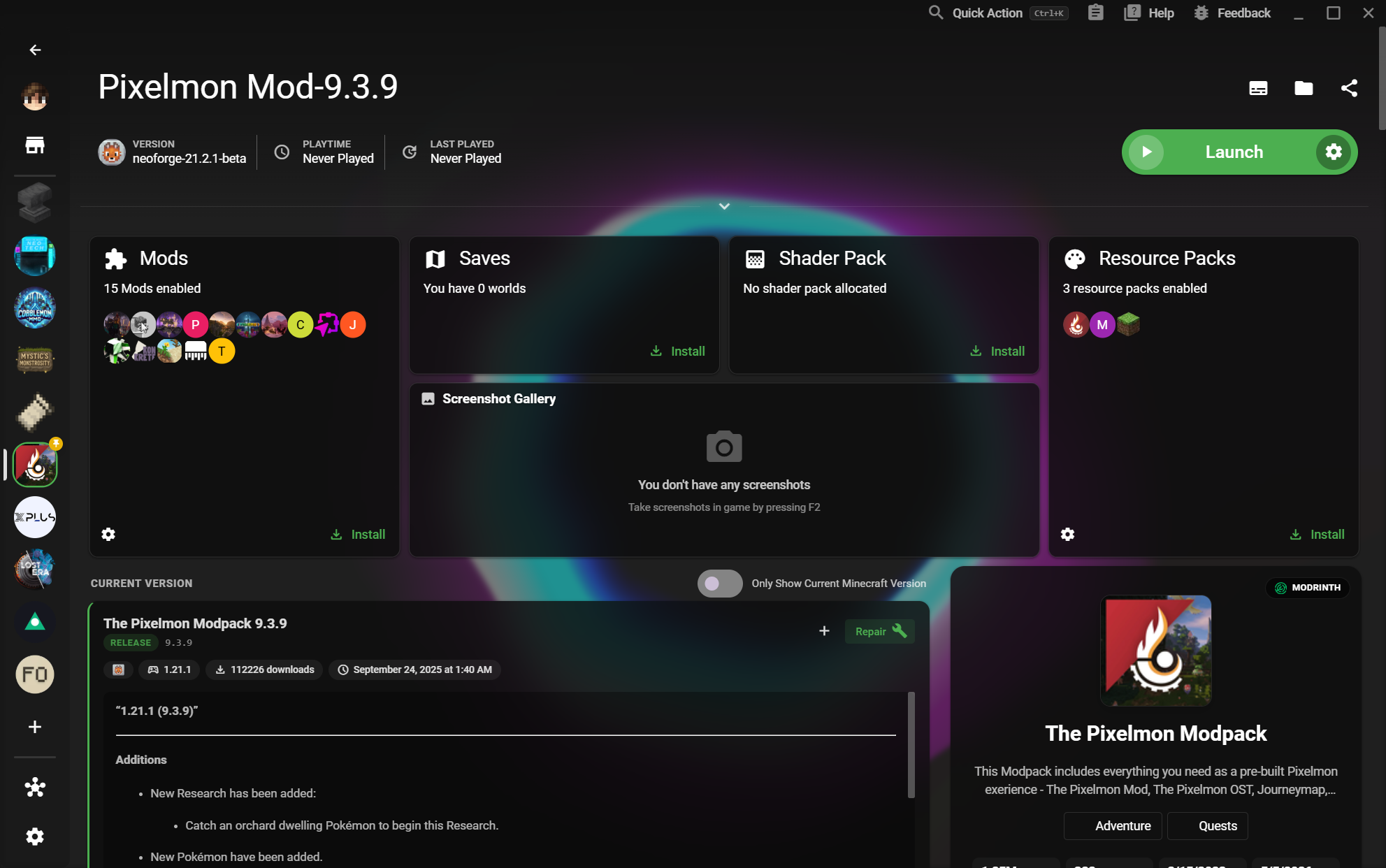
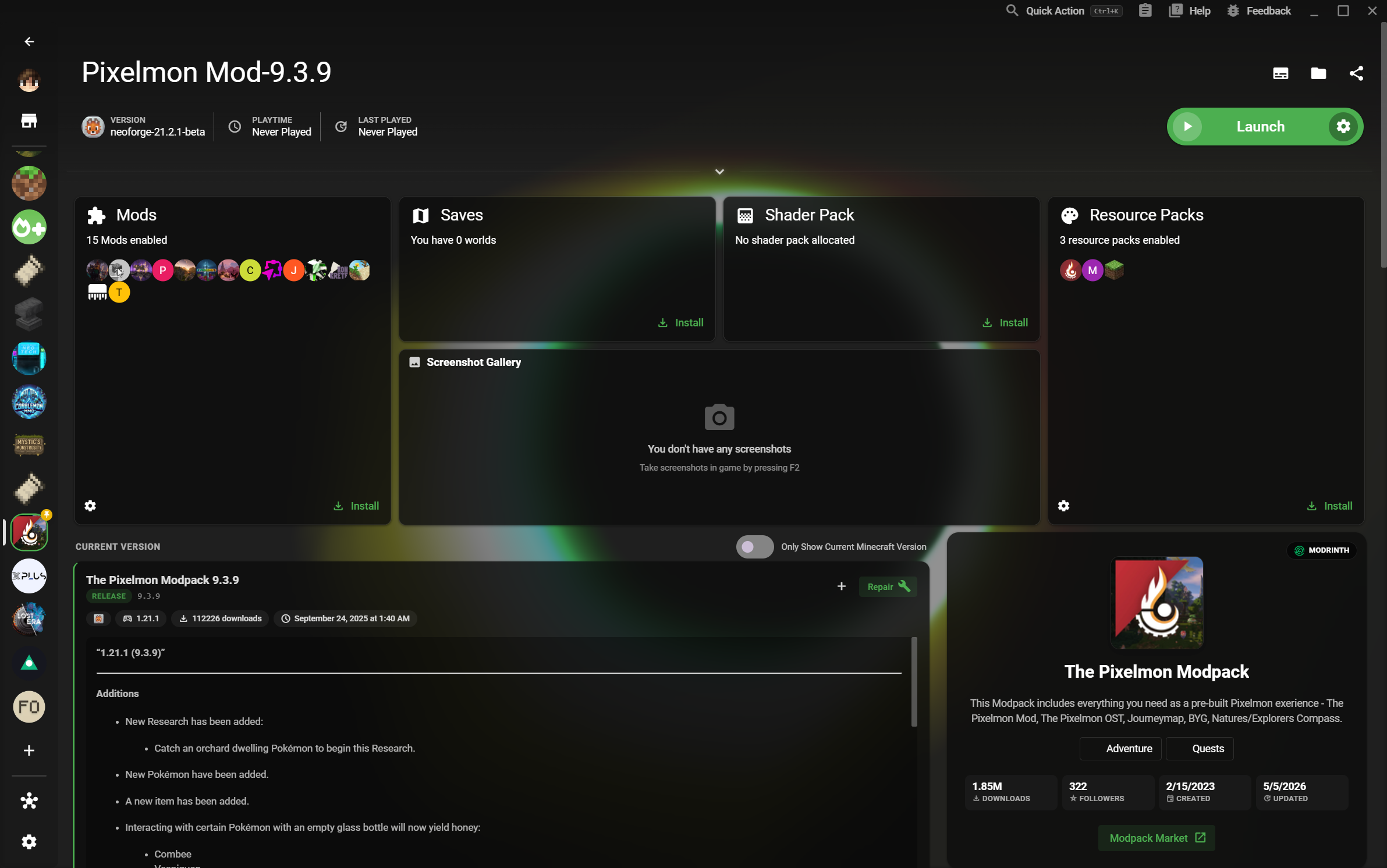
Minecraft インスタンスライブラリを表示する XMCL ホーム画面
4K 対応ワークスペース
次のワールドへ準備完了
05
Linux パッケージ

DEB、RPM、AppImage、tar.xz、Flathub。

4K
どのサイズでも鮮明

大画面でも見やすいインスタンスライブラリ。

独立したワールド

バージョン、ローダー、セーブデータを分離。

LINUX FIRST WORKFLOW

パッケージの導入からプレイまで、迷いなく。

XMCL は Linux ユーザーが重視する確実なインストール、見やすい画面、独立したゲーム環境をまとめて提供します。
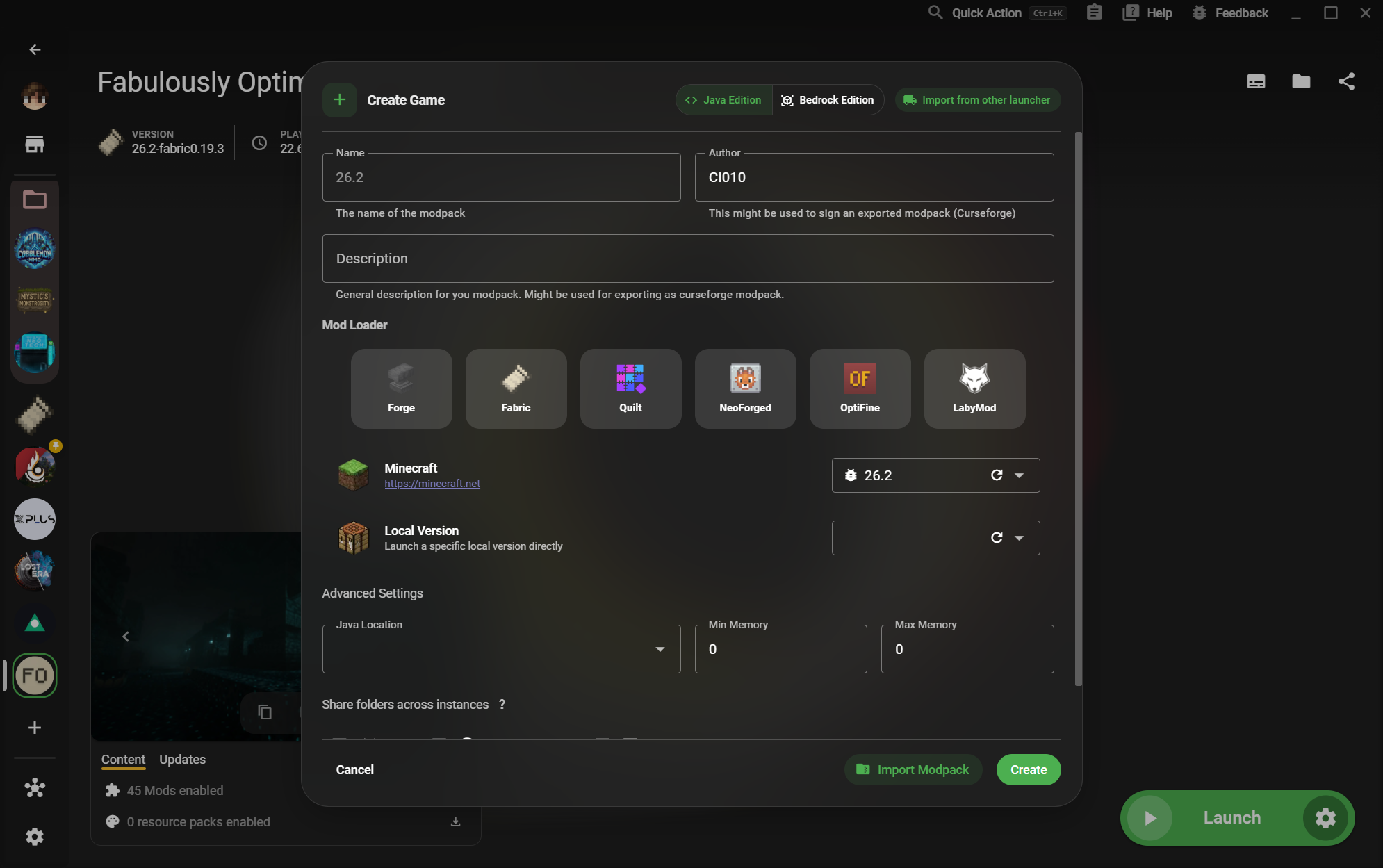
01XMCL create instance dialog with Minecraft versions and mod loaders

Use the format your distribution understands.

Download a native package for your desktop or use Flathub when you want a portable, Steam Deck-friendly route. XMCL also offers ARM64 builds where the hardware calls for them.

  • DEB and RPM for mainstream Linux desktops
  • AppImage and tar.xz for portable installs
  • Flathub support for Steam Deck
02XMCL instance library with organized Minecraft game profiles

Every instance gets its own clean runway.

Separate vanilla, modded, testing, and server setups without juggling folders by hand. Your versions, loaders, mods, saves, and settings stay together.

  • Independent game data and launch settings
  • Forge, Fabric, Quilt, NeoForge, and more
  • Fast switching between worlds and experiments
03X Minecraft Launcher home page with a large instance library

A desktop launcher that travels well.

Move from a Linux desktop to a Steam Deck session without giving up a clear library or a dependable setup. XMCL gives your collection room to grow without turning it into a spreadsheet.

  • Flathub path designed for Steam Deck
  • A focused interface on 4K displays
  • Open source and built for Linux players
LINUX 版をダウンロード

XMCL を好きな方法でインストール。

システムに合うパッケージ、または Steam Deck 向けの Flathub を選択してください。

すべてのリリースとビルドを見る