Skip to content
XMCL / FEATURE CATALOG

The launcher, mapped.

Explore the workflows that make a modded Minecraft setup easier to build, understand, and share.

22 features in view
01One organized instance library
InstancesHomepage

One organized instance library

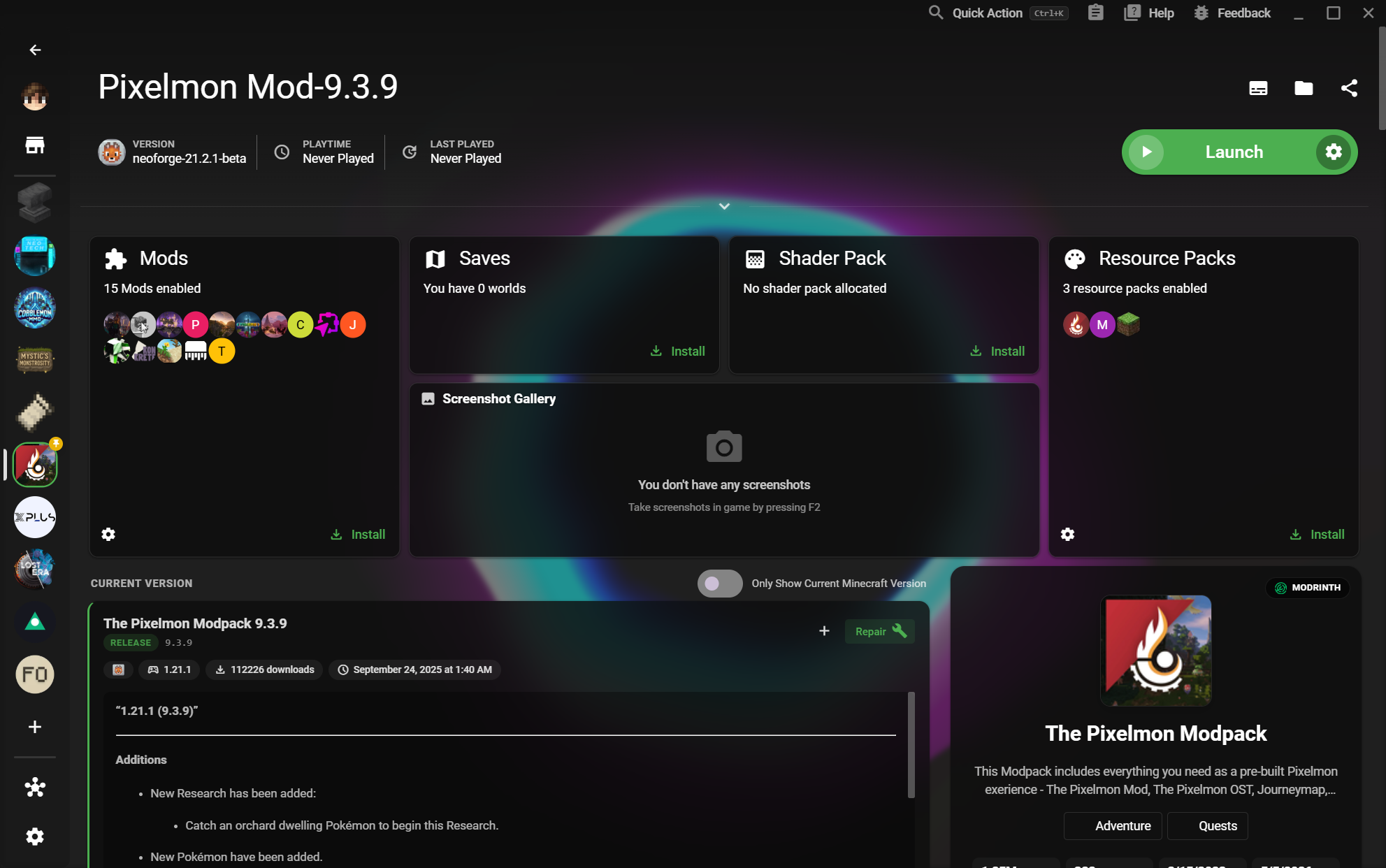
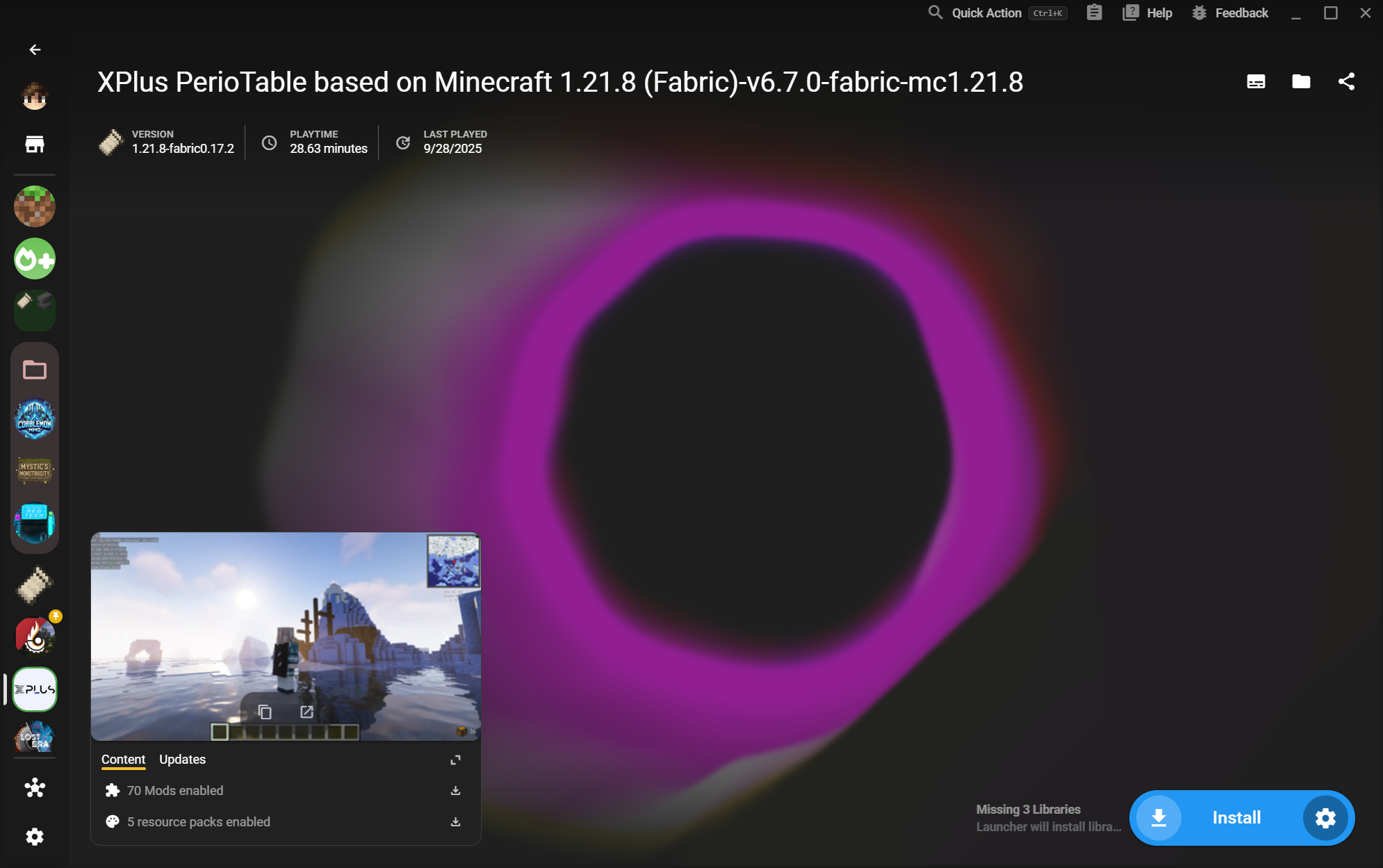
See vanilla, modded, and experimental worlds together in one launch-ready home.
  • See Mods, Saves, and resources at a glance
Read the workflow
02Create Java and Bedrock Instances
InstancesCatalog

Create Java and Bedrock Instances

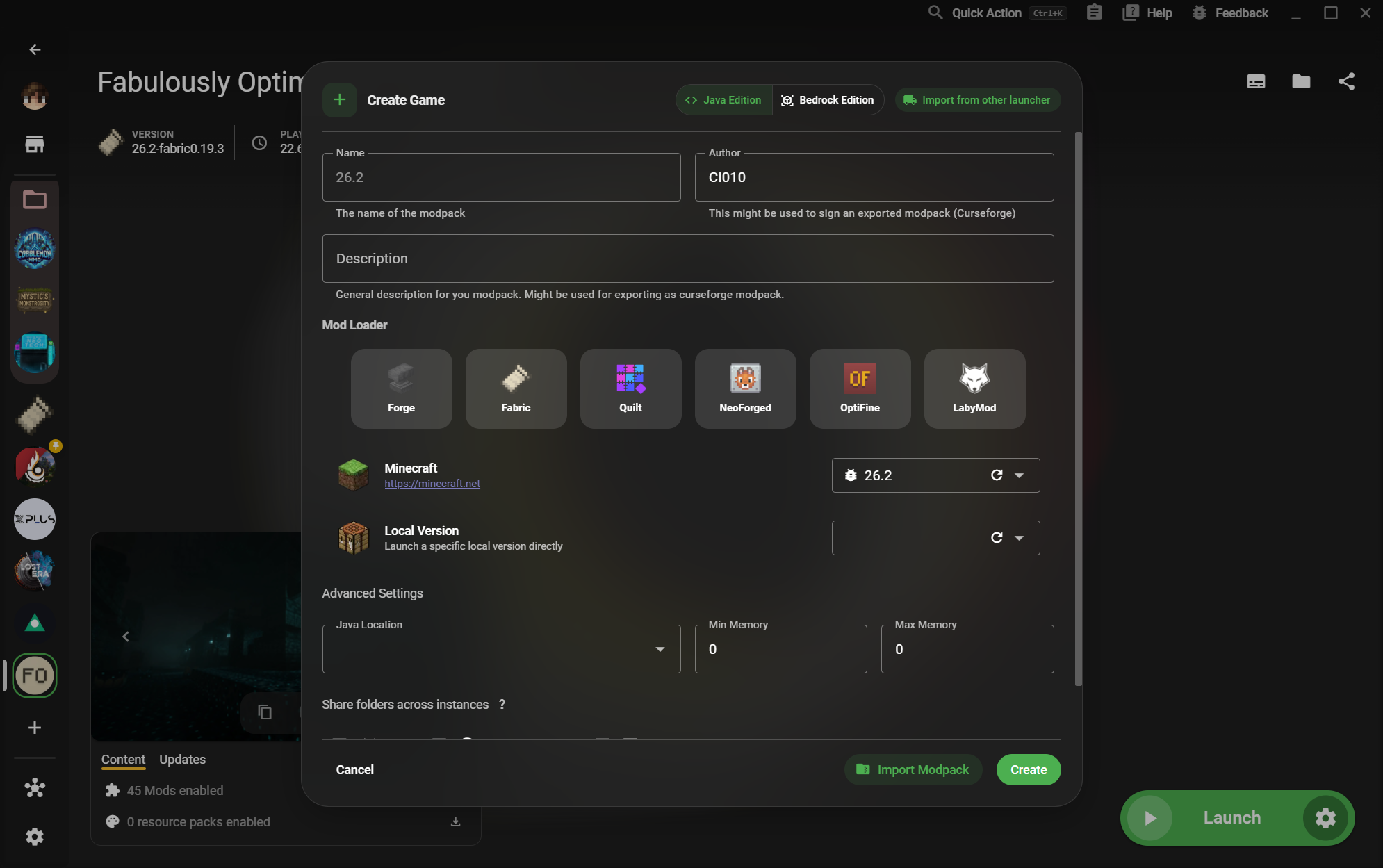
Start a new setup with the loader and edition that matches the world you want to play.
  • Forge, Fabric, Quilt, NeoForge, OptiFine, and LabyMod
Read the workflow
03Instance Folder Groups
InstancesCatalog

Instance Folder Groups

Arrange many instances into folders so different worlds and setups stay easy to scan.
  • Keep related setups together
Read the workflow
04Instance settings
InstancesGuide

Instance settings

Tune Java, memory, versions, loaders, and launch behavior without touching another setup.

  • Version and loader selection
Read the workflow
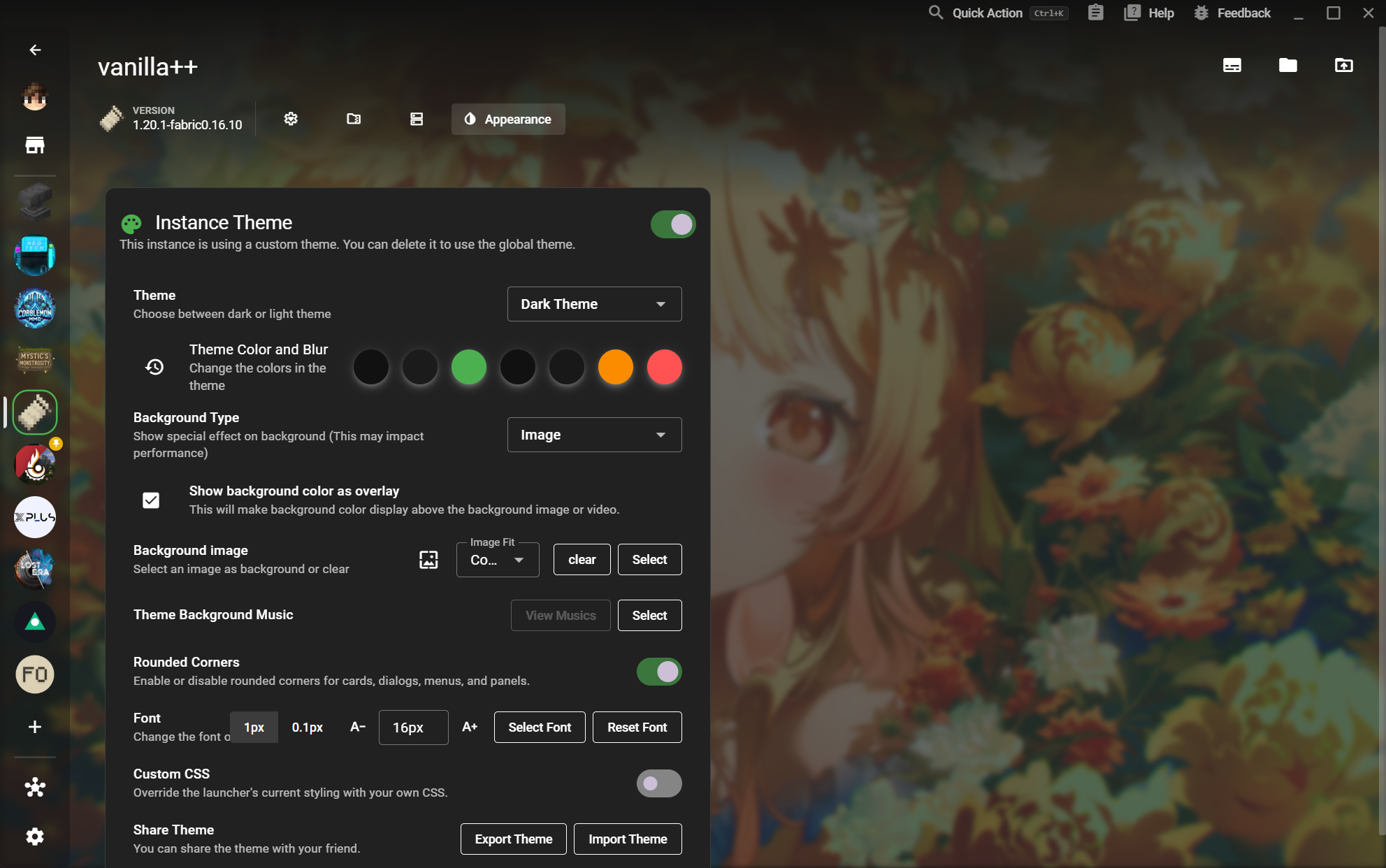
05Instance Theme
InstancesDetail

Instance Theme

Give each world its own identity with backgrounds, colors, blur, fonts, and custom CSS.
  • Rounded corners and font controls
Read the workflow
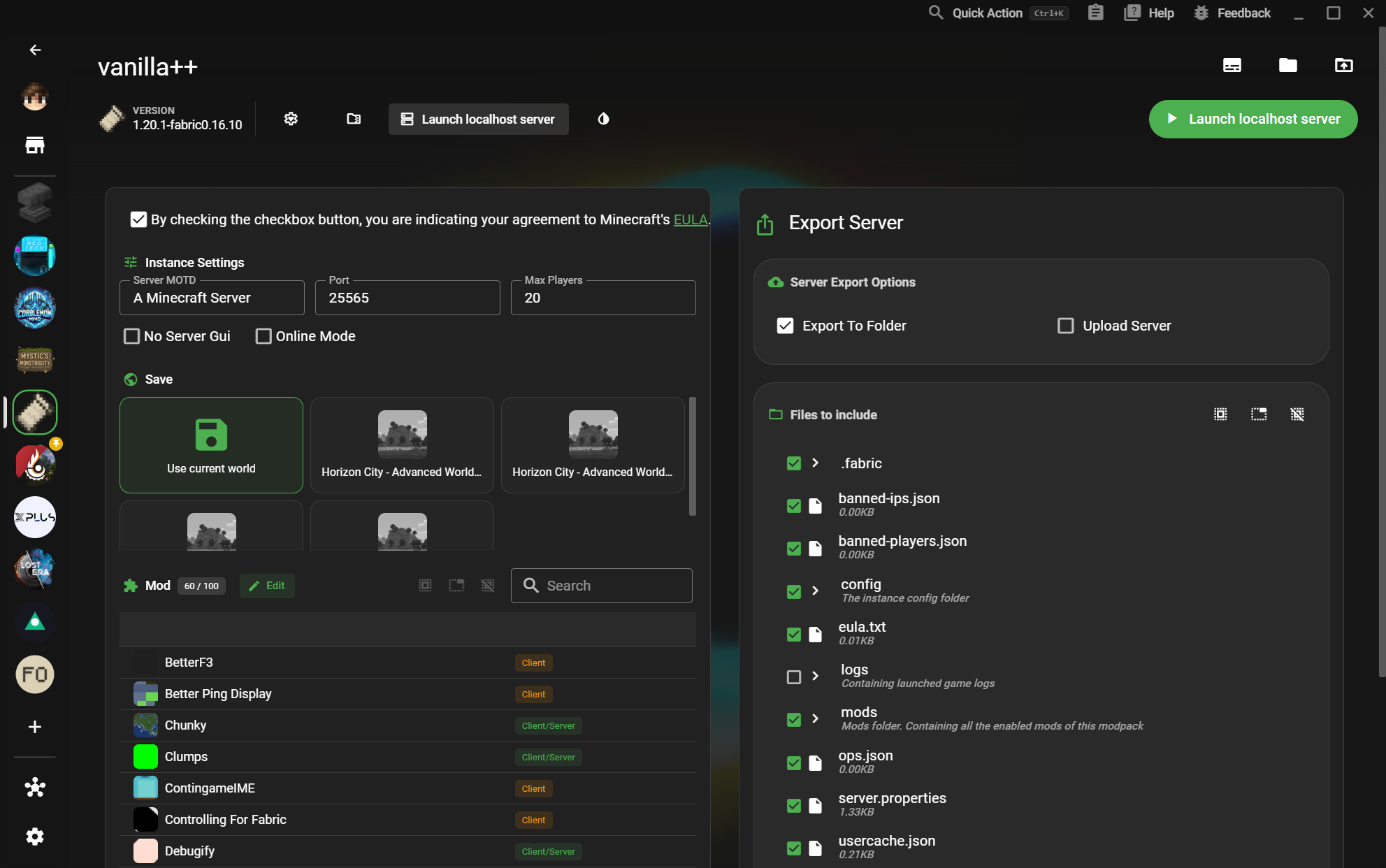
06Launch a local server
InstancesDetail

Launch a local server

Turn an instance into a configurable local server with a world, player limit, and exportable files.
  • World and server file selection
Read the workflow
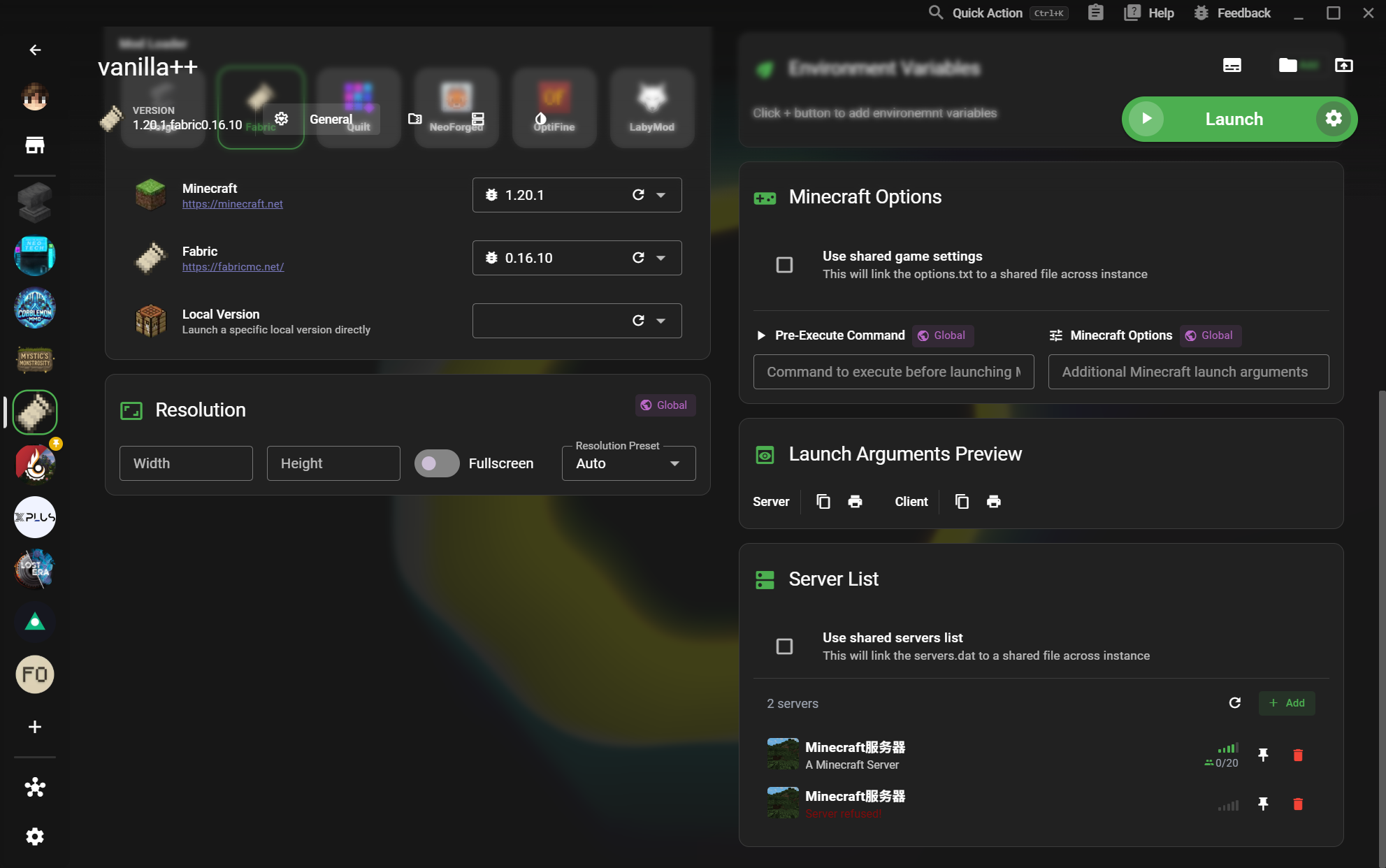
07Server List
InstancesDetail

Server List

Keep multiplayer destinations close to the instance that uses them and see their connection state.
  • Pin and remove destinations
Read the workflow
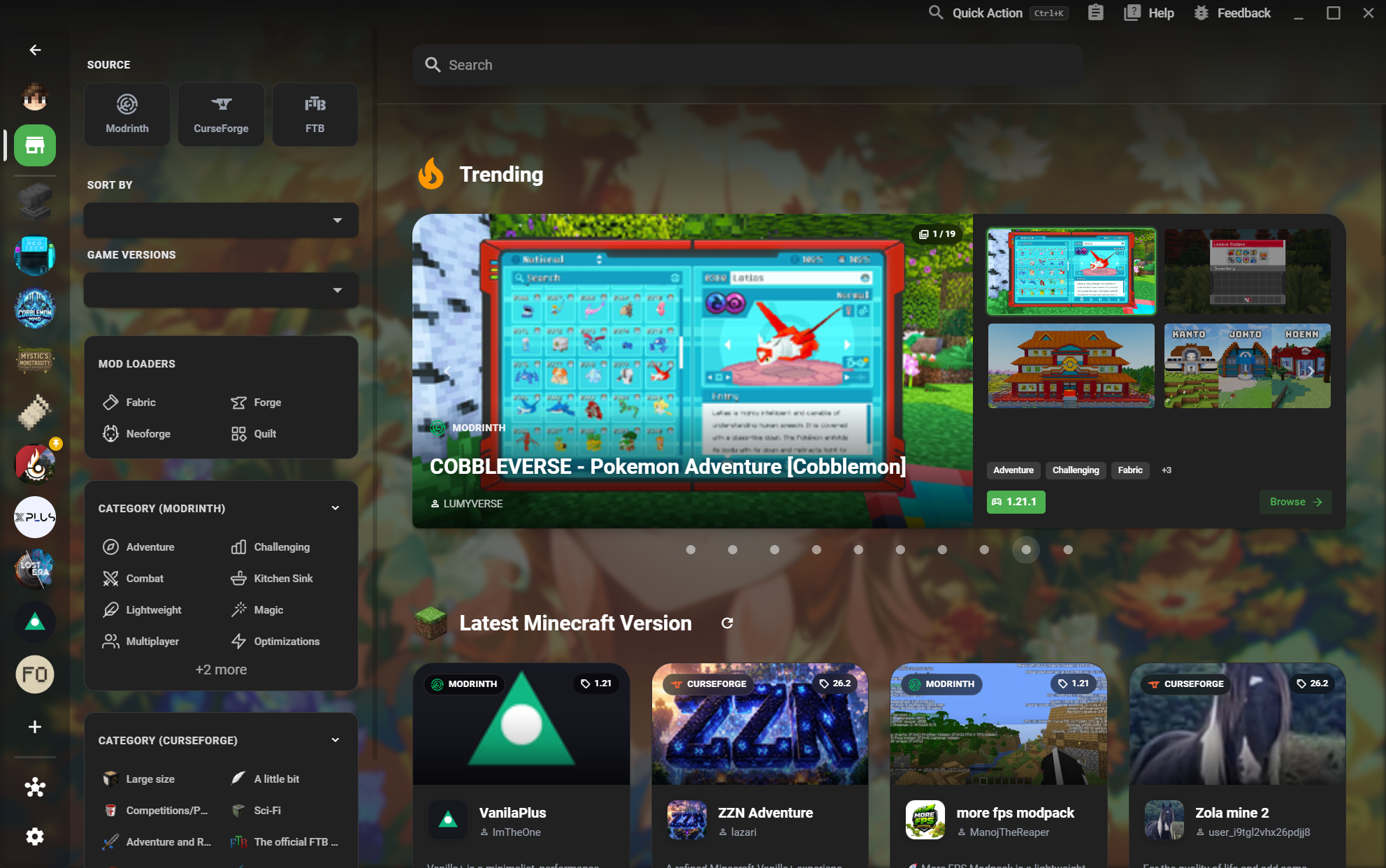
08Modpack Market
CommunityHomepage

Modpack Market

Browse Modrinth, CurseForge, and FTB content from one searchable marketplace.
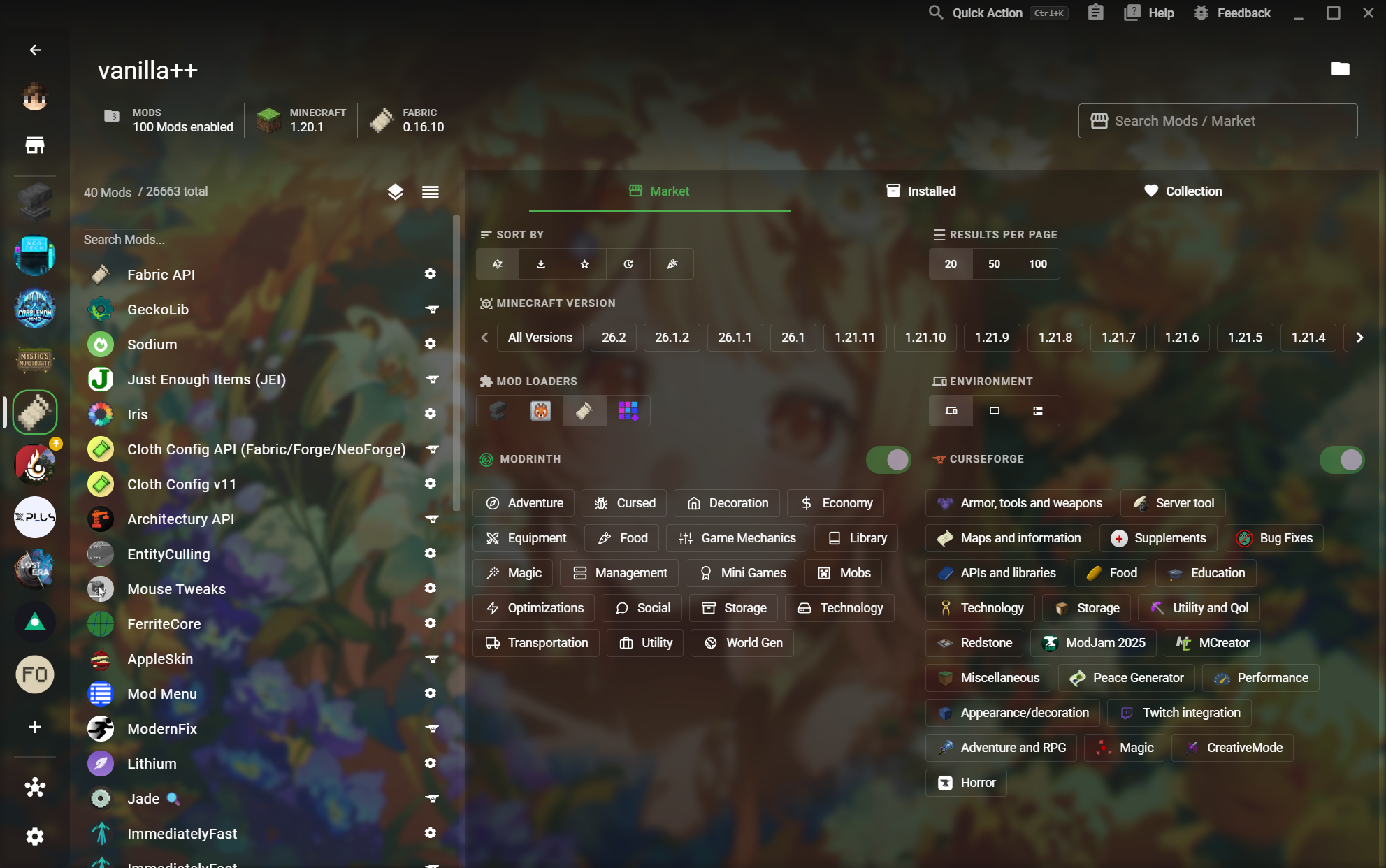
  • Trending and latest pack discovery
Read the workflow
10Modpack Detail
CommunityDetail

Modpack Detail

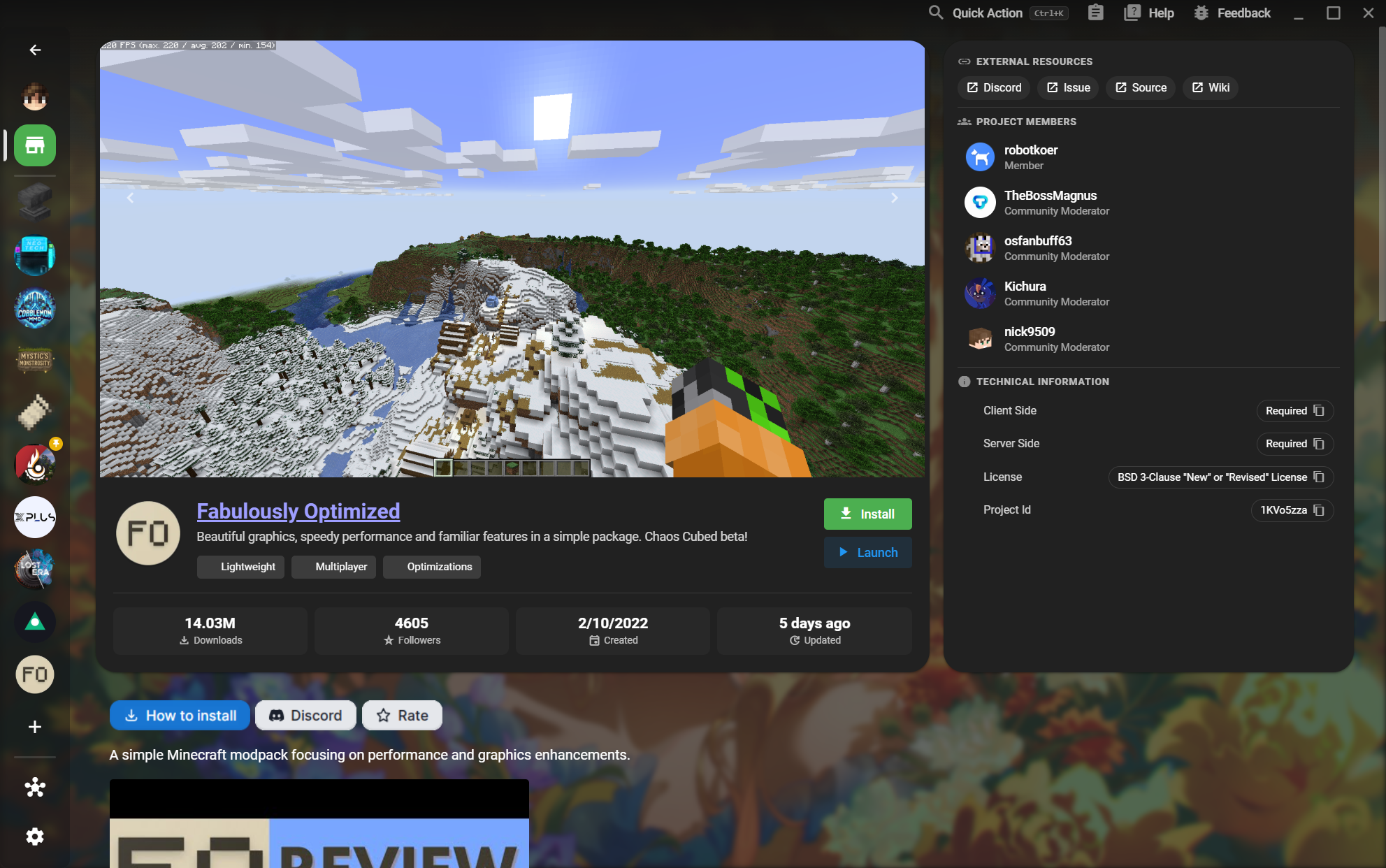
Understand a pack before installing it, from screenshots and authors to technical requirements.
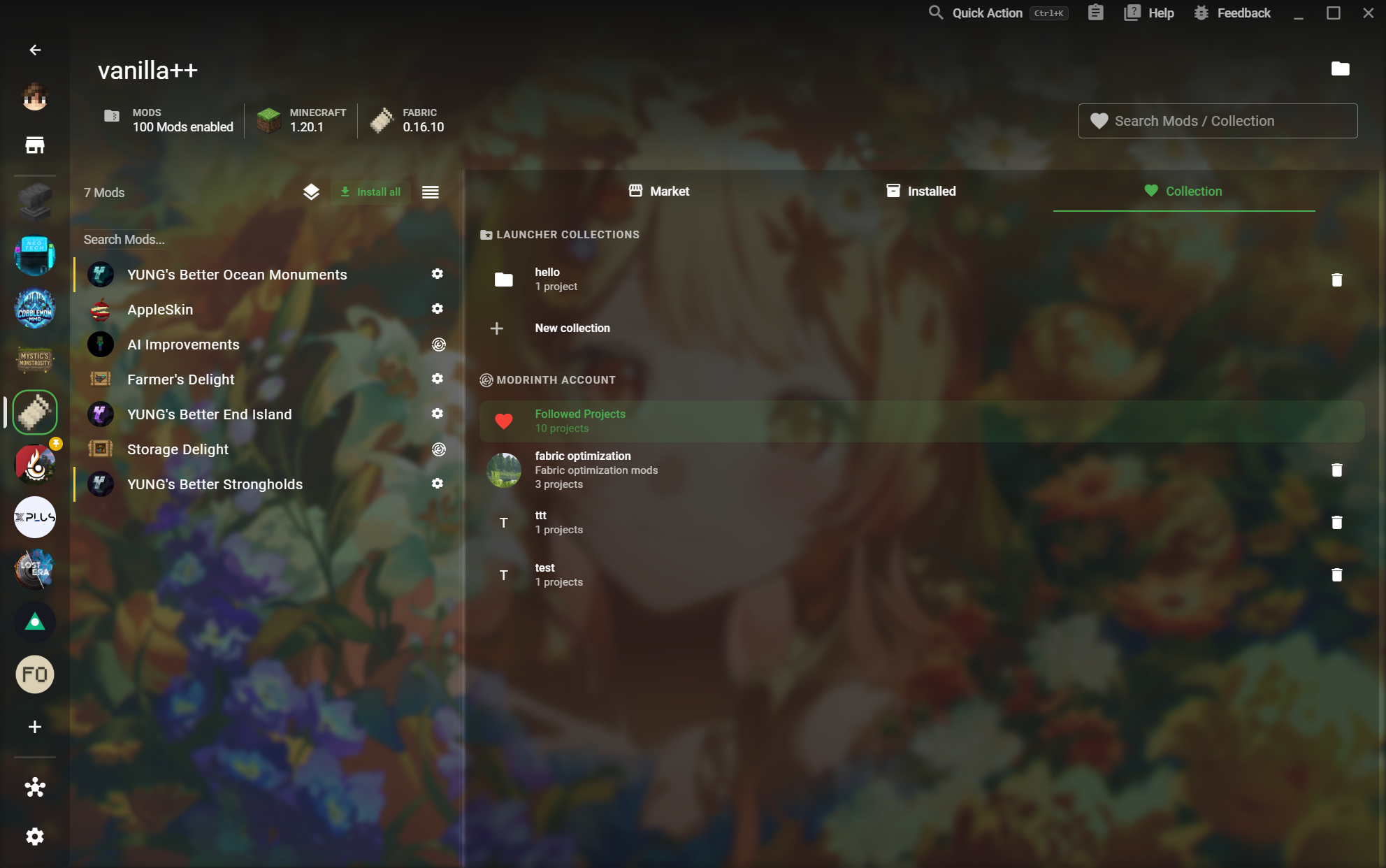
  • Install and launch actions
Read the workflow
11Mod Collections
CommunityCatalog

Mod Collections

Save projects you want to revisit and turn a collection into a reusable setup.
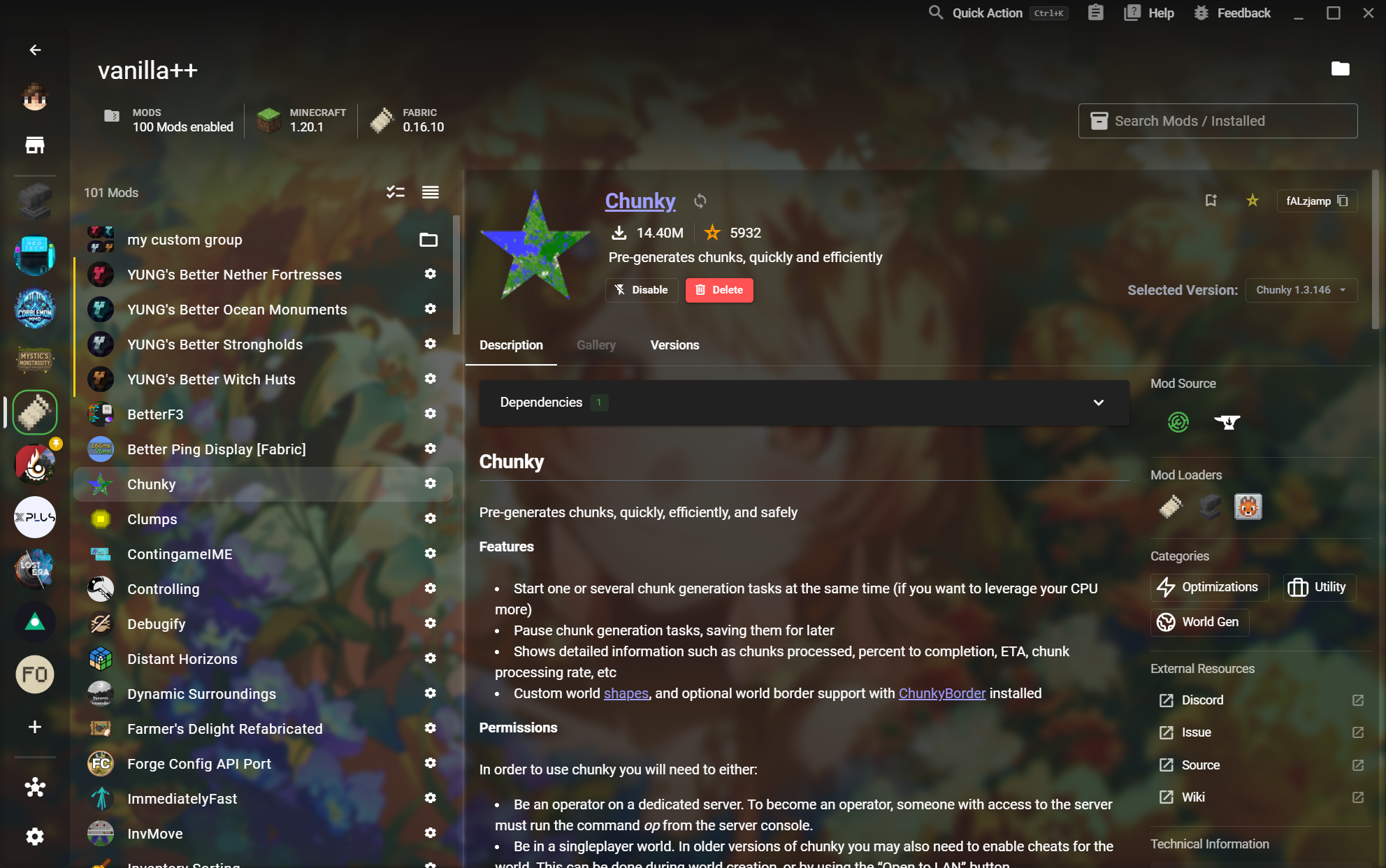
  • Followed Modrinth projects
Read the workflow
12Mod Detail
CommunityDetail

Mod Detail

Inspect a Mod before changing your instance and understand its versions, dependencies, and sources.
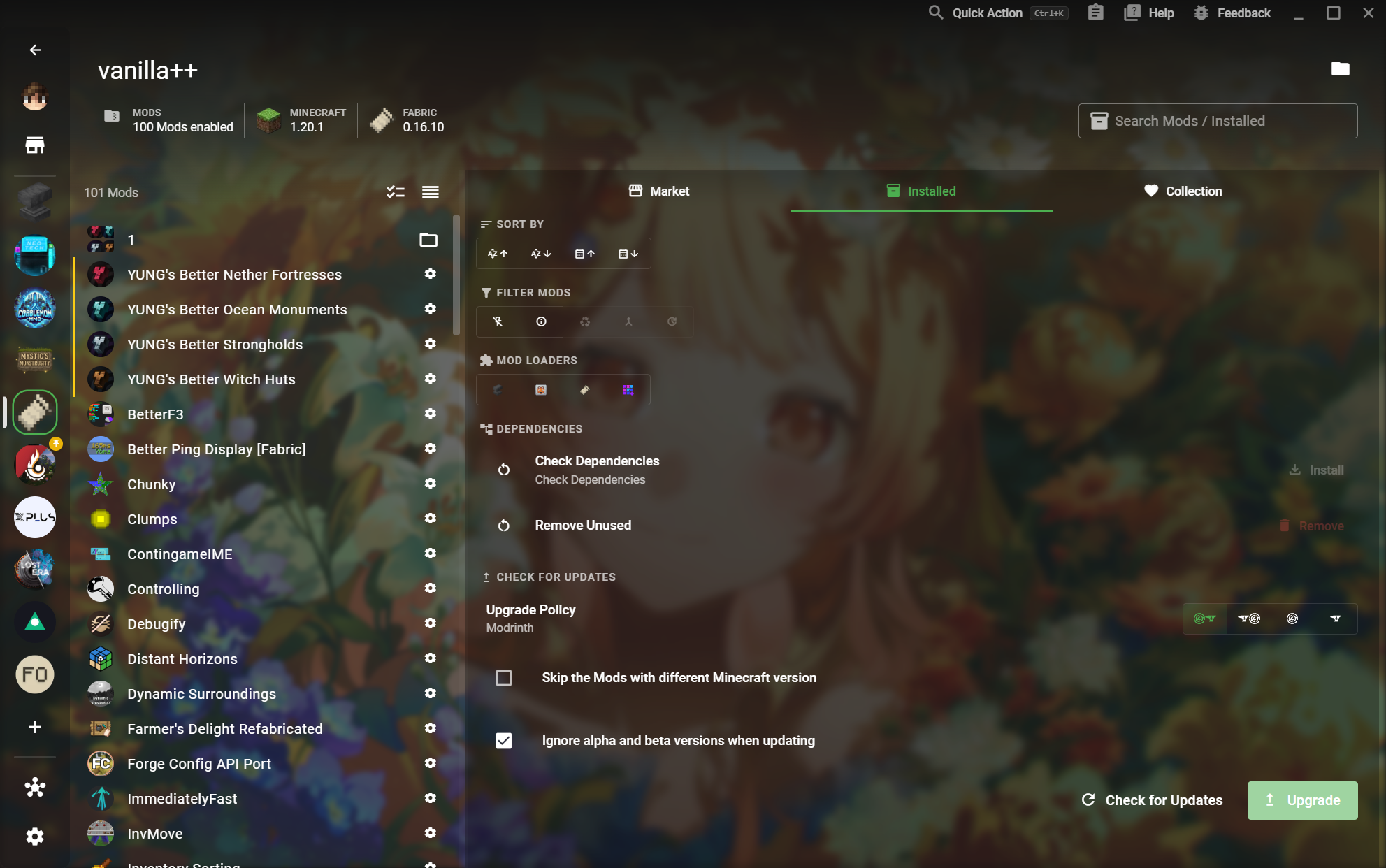
  • Loaders, categories, and source links
Read the workflow
13Installed Mod Management
Mod controlHomepage

Installed Mod Management

See what is enabled, filter it quickly, and keep the working set healthy.
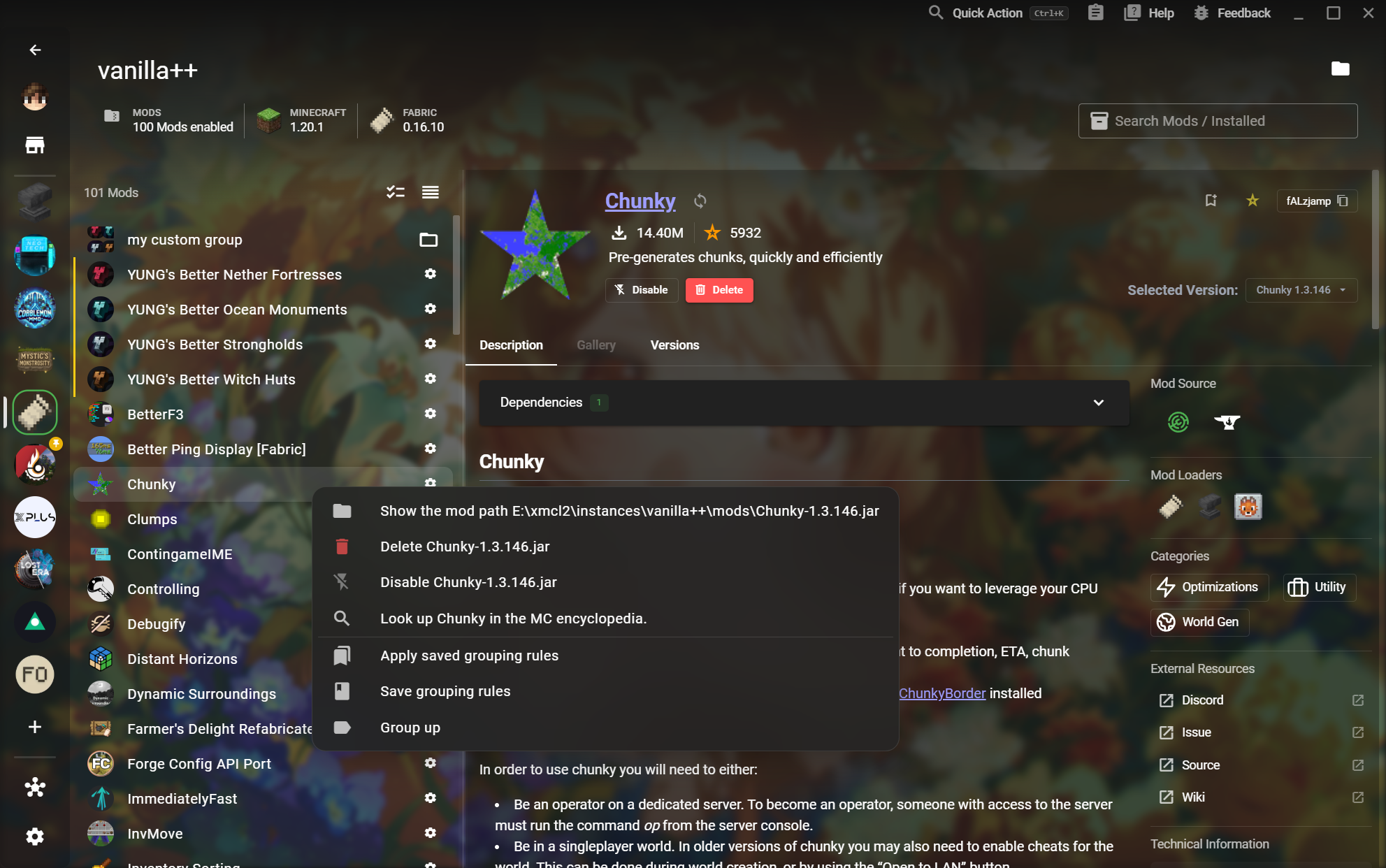
  • Check dependencies and unused content
Read the workflow
14Custom Mod Groups
Mod controlDetail

Custom Mod Groups

Build your own groups and save the rules that organize a complex instance.
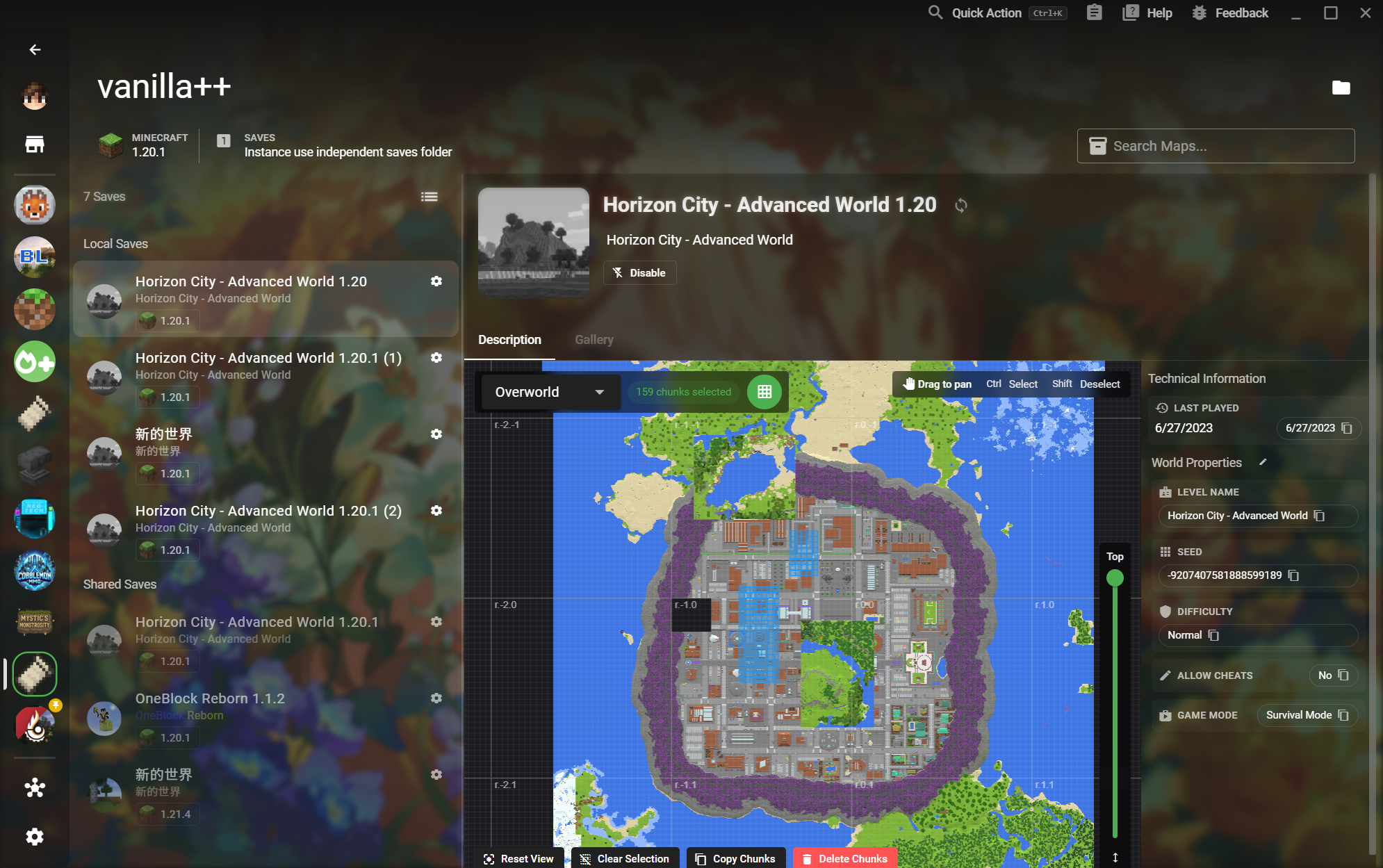
  • Group Mods from the context menu
Read the workflow
15Save Preview and Chunk Tools
World toolsHomepage

Save Preview and Chunk Tools

Read a world visually before launching it and make precise Chunk-level changes.
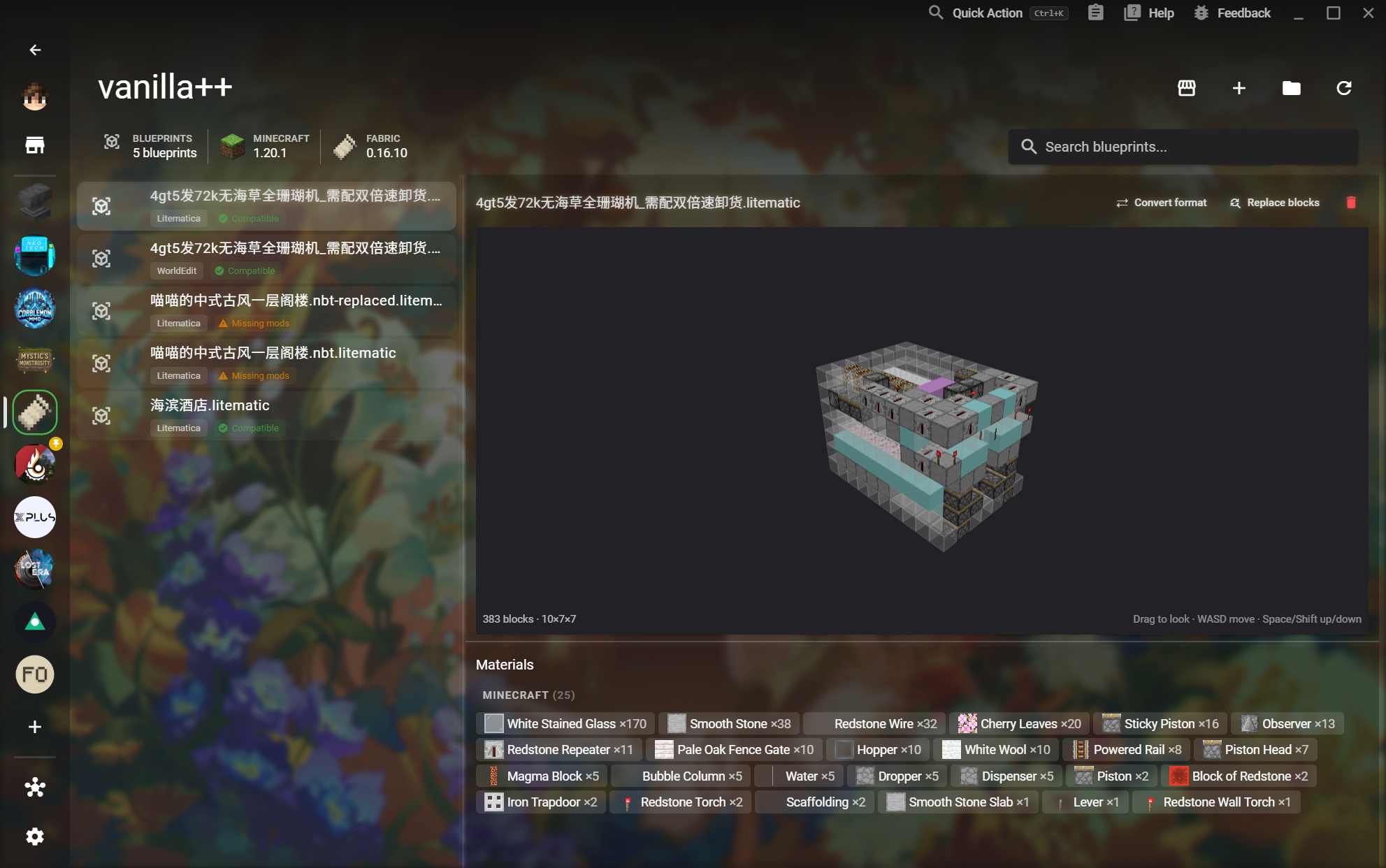
  • Select, copy, or delete Chunks
Read the workflow
16Blueprint Preview
World toolsCatalog

Blueprint Preview

Preview a structure in 3D and verify compatibility and materials before placing it in-game.
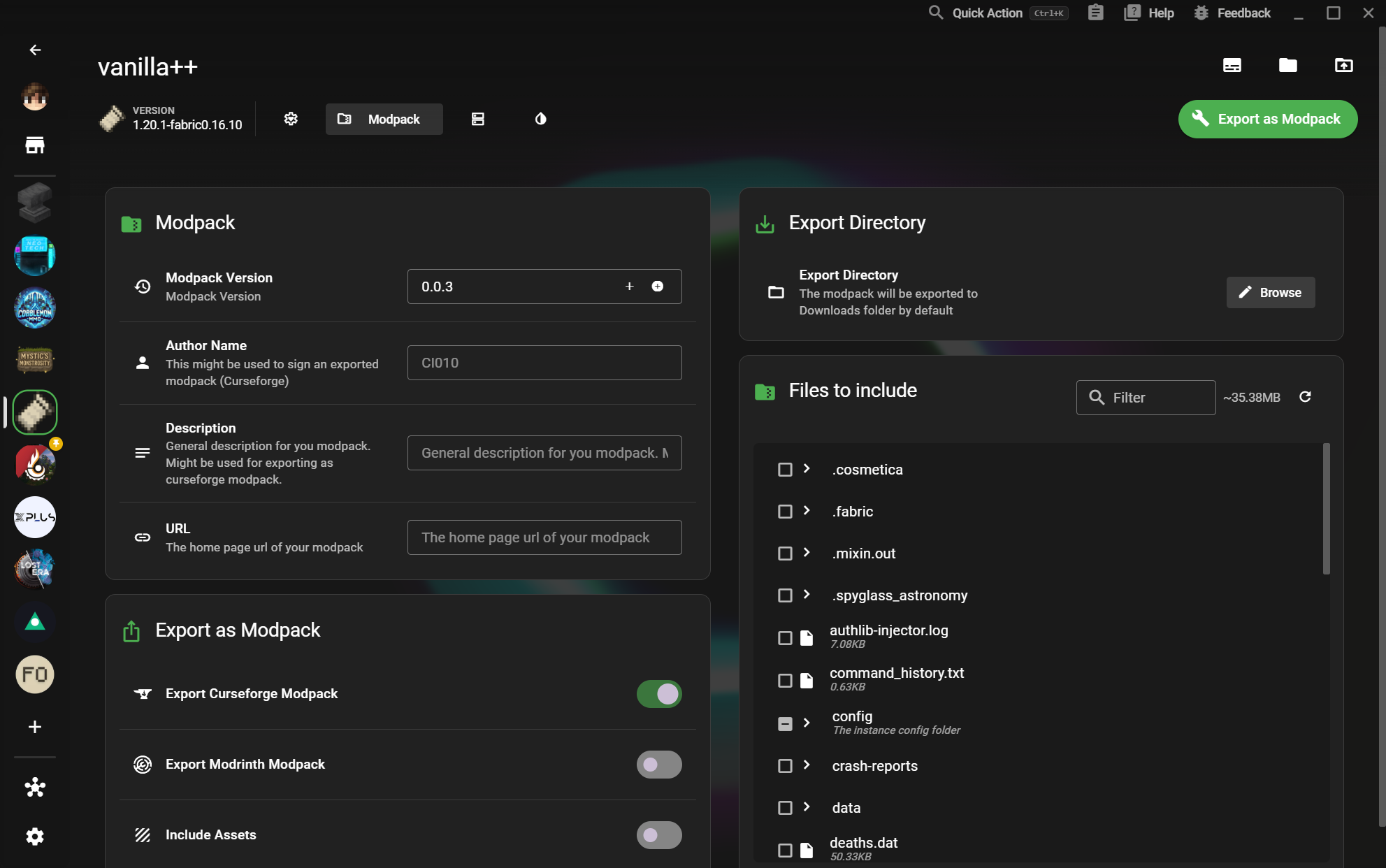
  • Compatibility and missing Mod status
Read the workflow
17Modpack Export
SharingDetail

Modpack Export

Package an instance for other players without losing the metadata and files that make it work.

  • Author, description, and URL metadata
Read the workflow
18Server Export
SharingDetail

Server Export

Select the right world and server files, then export a local server with a clear configuration.
  • Select server files
Read the workflow
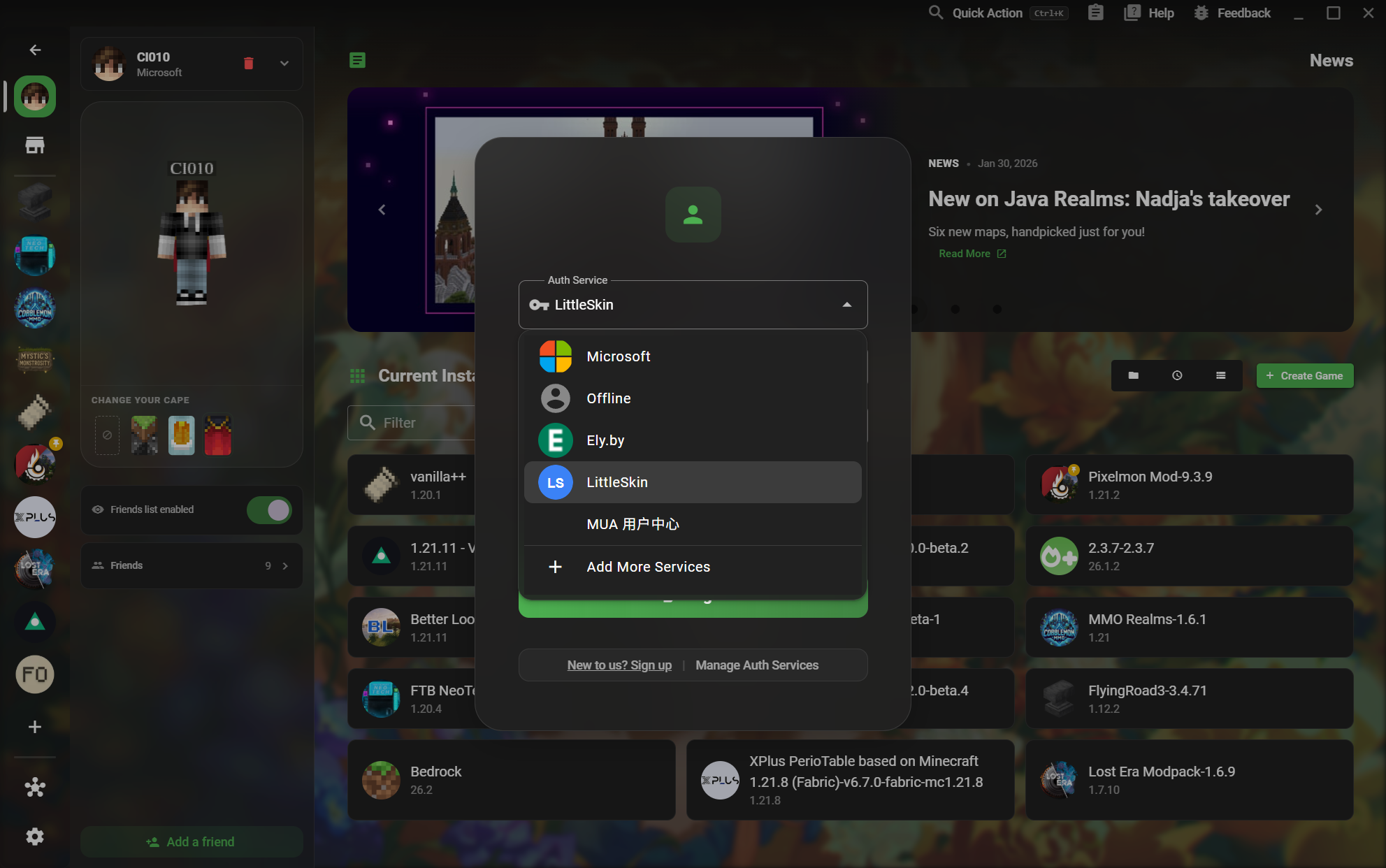
19Multiple Auth Services
AccountsCatalog

Multiple Auth Services

Choose the account service that matches how you play, from Microsoft to offline and third-party services.
  • Ely.by and LittleSkin services
Read the workflow
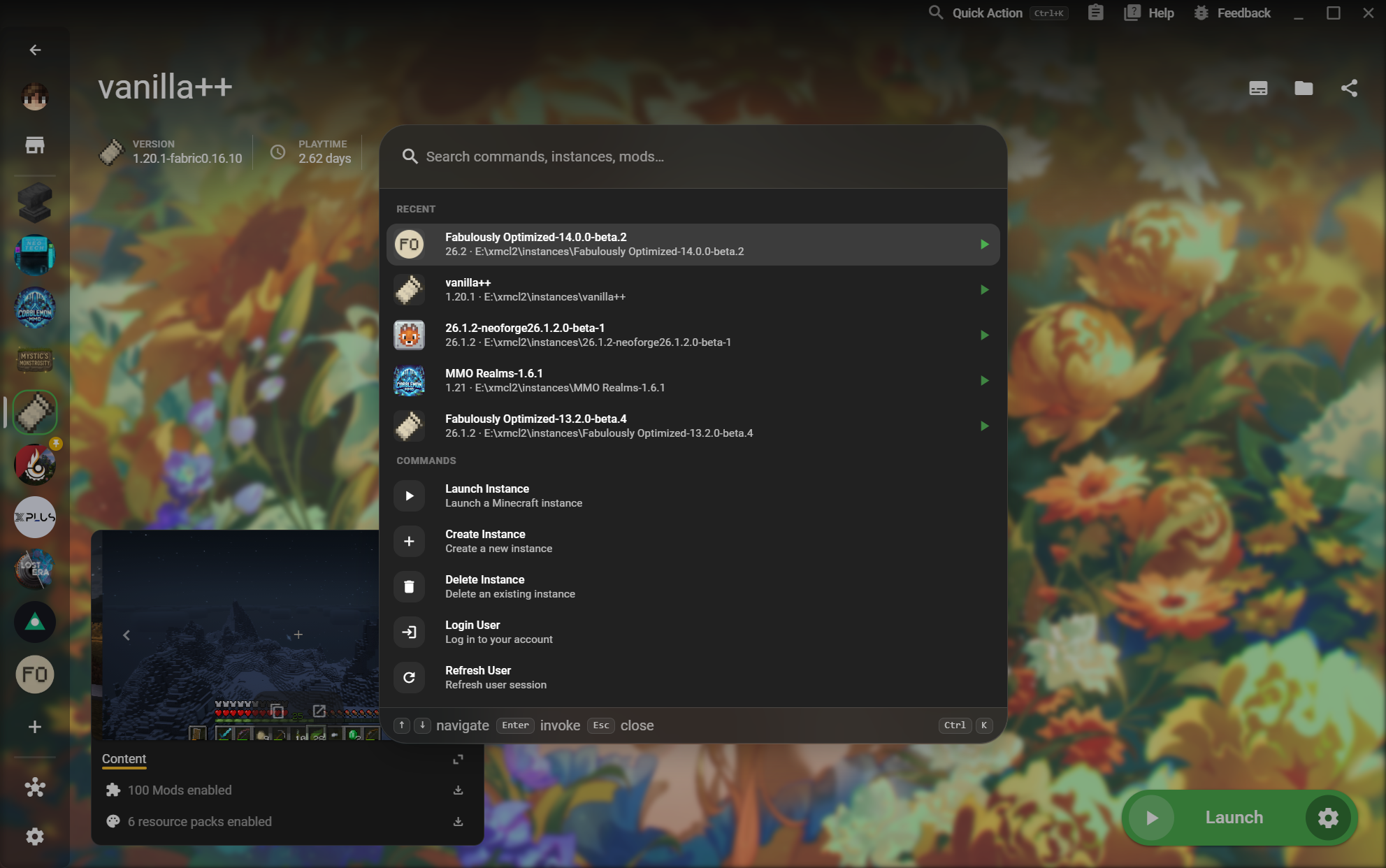
20Quick Action
AccountsCatalog

Quick Action

Find instances and commands without leaving the page you are working on.
  • Launch or create an instance
Read the workflow
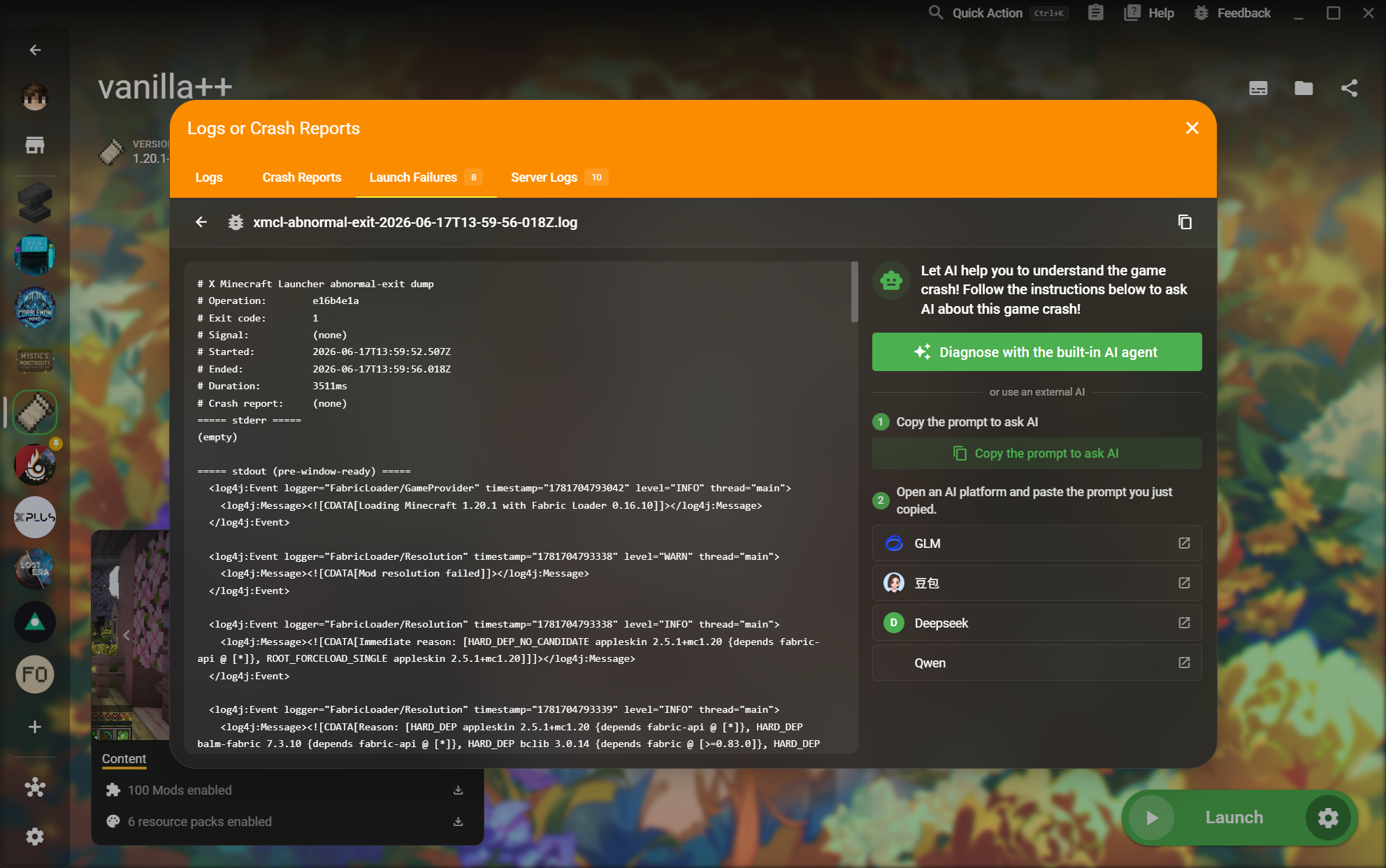
21Crash and Launch Failure Reports
DiagnosticsCatalog

Crash and Launch Failure Reports

Read the actual logs, crash reports, and server output behind a failed launch.
  • Mod resolution errors and exit codes
Read the workflow
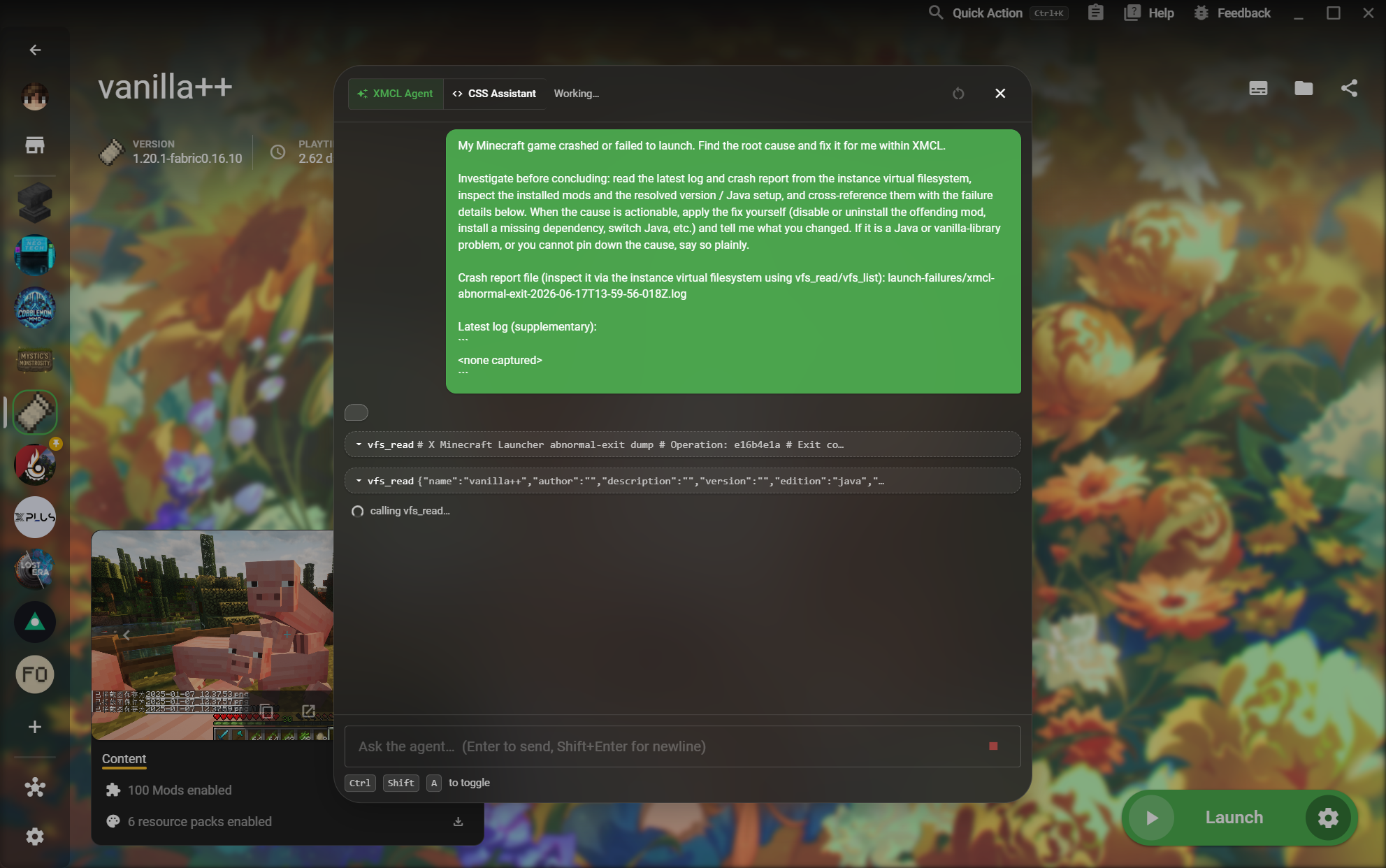
22Built-in AI Agent
DiagnosticsDetail

Built-in AI Agent

Let an agent inspect the instance virtual filesystem and explain an actionable fix.

  • Investigate before making a conclusion
Read the workflow